Invisible Text on iPhone — What Works
Invisible text on iPhone is a blank-looking Unicode character, such as Hangul Filler U+3164 or Braille Blank U+2800, that you copy and paste into a message, name or bio because the iPhone keyboard has no blank key. Invisichar lists 44 invisible characters with their codes and shows how to save one as a shortcut.
Copy an invisible character
Tap Copy on any character below, then paste it where you need it. Each card shows the Unicode code, the name and the category. Unicode is a standard, not a font, so each character is the same on every device, though an app may display or trim it differently.
U+3164
Hangul Filler
Hangul letter filler. A letter-class character, so whitespace trimming does not treat it as a space. Draws a full-width empty cell.
U+2800
Braille Pattern Blank
Braille pattern with no dots raised. A symbol-class character that draws an empty braille cell.
U+FFA0
Halfwidth Hangul Filler
Half-width variant of the Hangul filler. Letter class. The font decides how wide it is drawn, so check the measured width.
U+115F
Hangul Choseong Filler
Hangul Choseong filler, the leading-consonant filler used when composing Hangul syllables.
U+1160
Hangul Jungseong Filler
Hangul Jungseong filler, the vowel filler used when composing Hangul syllables.
U+200B
Zero Width Space
Zero width space: a format character that marks a possible line break and has no width.
U+200C
Zero Width Non-Joiner
Zero width non-joiner: stops two neighbouring letters from joining. No width.
U+200D
Zero Width Joiner
Zero width joiner: glues characters together, as in many emoji sequences. No width.
U+2060
Word Joiner
Word joiner: zero width and forbids a line break at its position.
U+FEFF
Zero Width No-Break Space
Zero width no-break space. Also known as the byte order mark when it opens a file.
U+034F
Combining Grapheme Joiner
Combining grapheme joiner: a combining mark that normally draws nothing.
U+2062
Invisible Times
Invisible times: a math format character with no glyph.
U+2063
Invisible Separator
Invisible separator: a math format character with no glyph.
U+2064
Invisible Plus
Invisible plus: a math format character with no glyph.
U+00AD
Soft Hyphen
Soft hyphen: only shows up when a line is broken at that point.
U+180E
Mongolian Vowel Separator
Mongolian vowel separator. A format character since Unicode 6.3.
U+17B5
Khmer Vowel Inherent Aa
Khmer vowel inherent AA: a combining vowel sign that draws nothing on its own.
U+00A0
No-Break Space
No-break space. Looks like a normal space but never wraps to a new line.
U+2002
En Space
En space: half an em wide.
U+2003
Em Space
Em space: one em wide, as wide as the font size.
U+2004
Three-Per-Em Space
Three-per-em space: a third of an em.
U+2005
Four-Per-Em Space
Four-per-em space: a quarter of an em.
U+2006
Six-Per-Em Space
Six-per-em space: a sixth of an em.
U+2007
Figure Space
Figure space: as wide as a digit.
U+2008
Punctuation Space
Punctuation space: as wide as a period.
U+2009
Thin Space
Thin space: about a fifth of an em.
U+200A
Hair Space
Hair space: the thinnest of the fixed spaces.
U+202F
Narrow No-Break Space
Narrow no-break space: thin and never wraps.
U+205F
Medium Mathematical Space
Medium mathematical space: four-eighteenths of an em.
U+3000
Ideographic Space
Ideographic space: the full-width space used with CJK text.
U+2000
En Quad
En quad: one en wide, half an em.
U+2001
Em Quad
Em quad: one em wide, as wide as the font size.
U+1680
Ogham Space Mark
Ogham space mark: a space in Ogham text that some fonts draw as a faint line.
U+200E
Left-to-Right Mark
Left-to-right mark: a format character that sets text direction. No width.
U+200F
Right-to-Left Mark
Right-to-left mark: a format character that sets text direction. No width.
U+061C
Arabic Letter Mark
Arabic letter mark: a format character that sets text direction. No width.
U+2061
Function Application
Function application: a math format character with no glyph.
U+17B4
Khmer Vowel Inherent Aq
Khmer vowel inherent AQ: a combining vowel sign that draws nothing on its own.
U+180B
Mongolian Free Variation Selector One
Mongolian free variation selector one: changes the shape of the character before it and draws nothing itself.
U+180C
Mongolian Free Variation Selector Two
Mongolian free variation selector two: draws nothing itself.
U+180D
Mongolian Free Variation Selector Three
Mongolian free variation selector three: draws nothing itself.
U+FE00
Variation Selector-1
Variation selector-1: picks an alternate form of the character before it and draws nothing itself.
U+FE0E
Variation Selector-15
Variation selector-15: asks for text style on the character before it. Draws nothing itself.
U+FE0F
Variation Selector-16
Variation selector-16: asks for emoji style on the character before it. Draws nothing itself.
Save an invisible character as a shortcut on iPhone
- Copy the character you want from the list above.
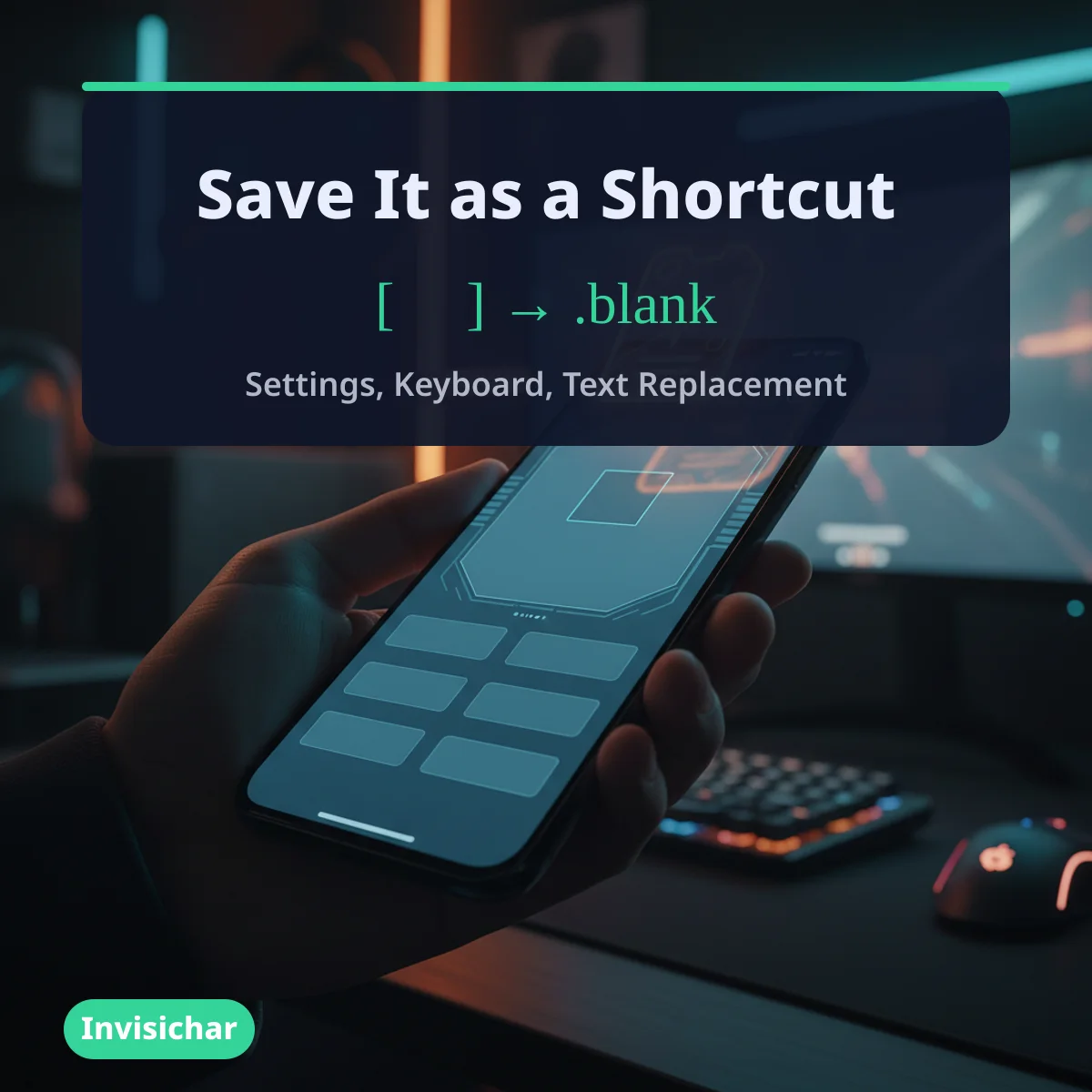
- Open Settings, then General, then Keyboard, then Text Replacement.
- Tap the plus button and paste the character into the Phrase box.
- Type a short shortcut such as
.blankand tap Save. - In any app, type the shortcut and tap the suggestion that appears above the keyboard.
The menu names can differ slightly between iOS versions. If a blank character will not paste, try another one from the list.
Which blank character should you use?
Hangul Filler U+3164 and Braille Blank U+2800 are letter or symbol characters, so some apps do not trim them away the way they trim plain spaces. Zero-width characters such as U+200B draw nothing at all, but an app may remove them. No-Break Space U+00A0 looks like a normal space. Try more than one, because each app decides what it keeps.
Symbols to pair with a blank name
A blank character on its own can look empty. These visible symbols sit next to it for a tidy look.
Name templates with blank spacing
Letters and symbols spaced with Braille Blank U+2800. Swap the sample name for yours.
Short combos to go with it
Kaomoji to go with it
Emoji to go with it
Each phone draws emoji in its own style.
Codes, entities and typing shortcuts
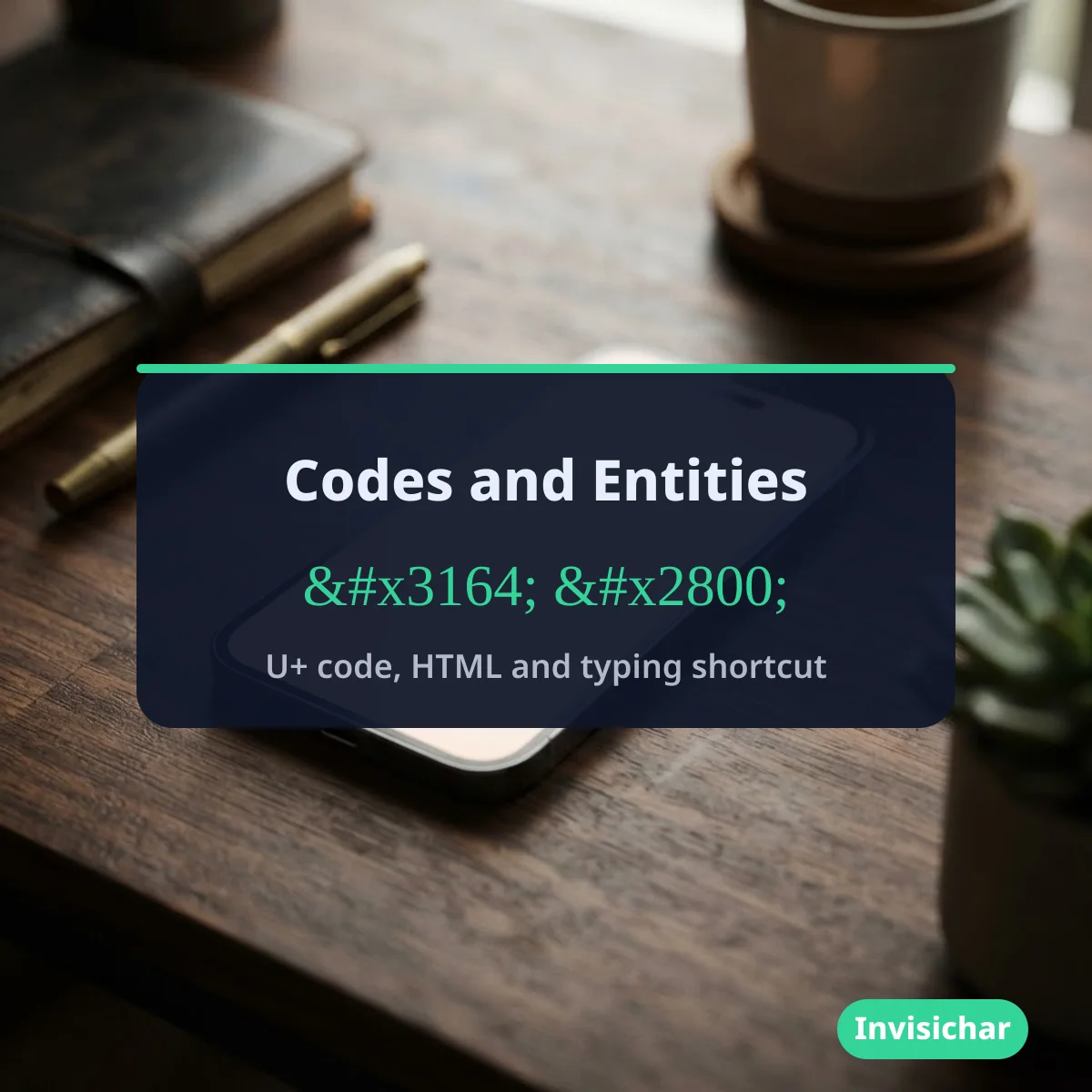
| Character | Code | HTML entity | Typing shortcut |
|---|---|---|---|
| No-Break Space | U+00A0 |   |
Windows: hold Alt and type 0160 on the numpad. Mac: Option + Space. |
| Hangul Filler | U+3164 | ㅤ |
No keyboard shortcut. Copy it, or type 3164 and press Alt + X in Word. |
| Braille Pattern Blank | U+2800 | ⠀ |
No keyboard shortcut. Copy it, or type 2800 and press Alt + X in Word. |
| Zero Width Space | U+200B | ​ |
No keyboard shortcut. Copy it, or type 200B and press Alt + X in Word. |
| Em Space | U+2003 |   |
Mac: use the Unicode Hex Input keyboard, hold Option and type 2003. |
| Ideographic Space | U+3000 |   |
Often available as a full-width space when a Japanese or Chinese keyboard is on. |
| Thin Space | U+2009 |   |
No keyboard shortcut. Copy it. |
| Left-to-Right Mark | U+200E | ‎ |
No keyboard shortcut. Copy it. |
Does it work on iPhone? What we have tested
| Where | What we know | Our own result |
|---|---|---|
| iPhone (Messages, WhatsApp, Instagram) | The iPhone keyboard has no blank key, so people paste a character. Results differ by app and iOS version. | Not tested by us yet (October 9, 2026) |
| Windows and Mac | Any of these characters can be pasted into a text field. Whether an app keeps it depends on the app. | Not tested by us yet |
| Instagram and WhatsApp | Apps may trim spaces from a name, which is why letter-class blanks such as U+3164 are used more than plain spaces. | Not tested by us yet |
When we record a real test it will appear here with the device, the iOS version and the date. A dash means not tested yet.
What to do if it shows as a box
A box means the font in that app does not have the character. Pick another character from the list, such as U+3164 or U+00A0, which most fonts handle.
Use it responsibly
Blank characters are for tidy names and spacing. Do not use them to impersonate someone, send spam or get around a platform’s rules. See our terms.
FAQ
How do I send a blank message on iPhone?
Copy a blank character such as U+3164 from the list, paste it as your message and send. Some apps reject an empty-looking message, so another character may be needed.
Why does my invisible text show a box?
The app’s font does not include that character. Try a different one from the list.
Is invisible text the same as a space?
No. A space is a whitespace character that apps often trim. Characters like U+3164 are letters or symbols that draw blank, so they are often kept.
Can I type an invisible character on an iPhone keyboard?
Not directly. Copy it from this page or save it as a Text Replacement shortcut.
Next, see Discord invisible name and blank message or go back to Invisichar — invisible characters you can copy. Invisichar is independent, as explained in the disclaimer.
Last updated: October 9, 2026.