How to Use Invisichar
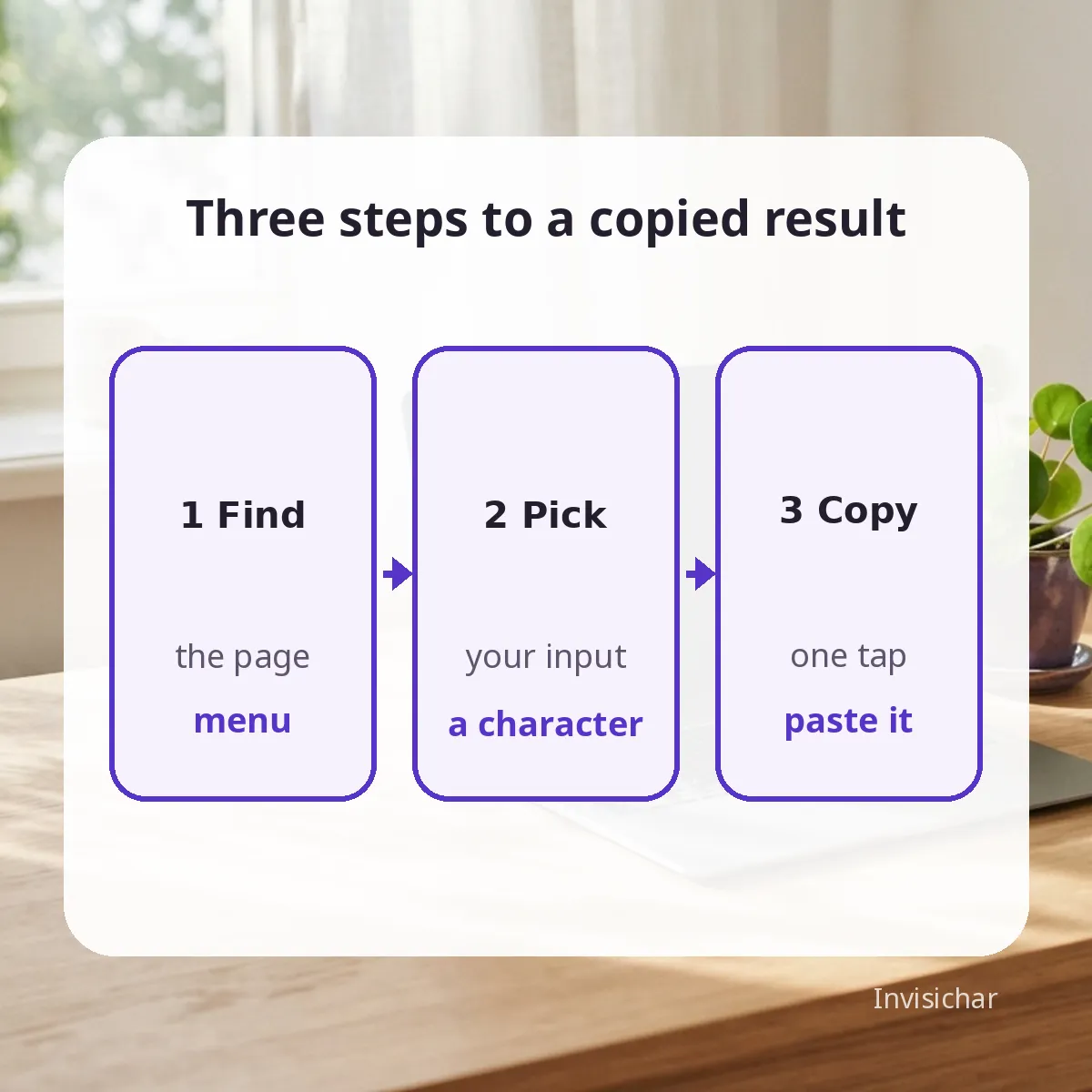
This page explains how to use Invisichar: open the page that matches what you need, enter or pick your input, then copy, read or print the result. A result looks wrong or a page does not load? Report it on the contact page.
Find the page you need
Start on the home page; the menu and the lists there lead to Discord, WhatsApp, iPhone and blank-message pages. Each page covers one place where an invisible character gets pasted, so open the one for the app you are using.
- Discord invisible name
- WhatsApp blank text
- Blank text message
- Invisible text on iPhone
- Invisible ink text
- Invisible name by platform
- How to type invisible characters
What each page does
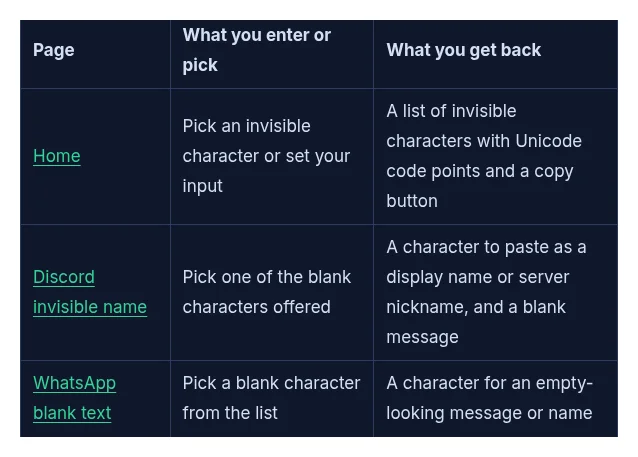
Table of page × what you enter or pick × what you get back. Each row lists a page that is live on the site.
| Page | What you enter or pick | What you get back |
|---|---|---|
| Home | Pick an invisible character or set your input | A list of invisible characters with Unicode code points and a copy button |
| Discord invisible name | Pick one of the blank characters offered | A character to paste as a display name or server nickname, and a blank message |
| WhatsApp blank text | Pick a blank character from the list | A character for an empty-looking message or name |
| Blank text message | Pick a blank character from the list | A character that makes an iMessage or SMS look empty |
| Invisible text on iPhone | Pick a blank-looking character | A character to copy and paste into a message |
| Invisible ink text | Read the two meanings, then pick a character if you need text | An explanation of the iMessage effect and text made of invisible Unicode |
| Invisible name | Pick the app you are naming | A blank character that app may accept |
| How to type invisible characters | Pick your device and read the steps | Steps for Windows, Mac, iPhone and Android |
Copy, read or print the result
Each result can be copied with one tap or printed from the browser; nothing you type is sent to an account. Results come from the input you give and from published references; check them where you will use them, because a character can show as a box on an old phone or be removed by an app.