How to Type Invisible Characters — Windows, Mac, iPhone, Android
Typing an invisible character means inserting a Unicode character that draws nothing, such as no-break space U+00A0 or Hangul Filler U+3164, because no keyboard has a blank key. This guide gives steps for Windows, Mac, iPhone and Android, and the Invisichar home page lists the full set to copy.
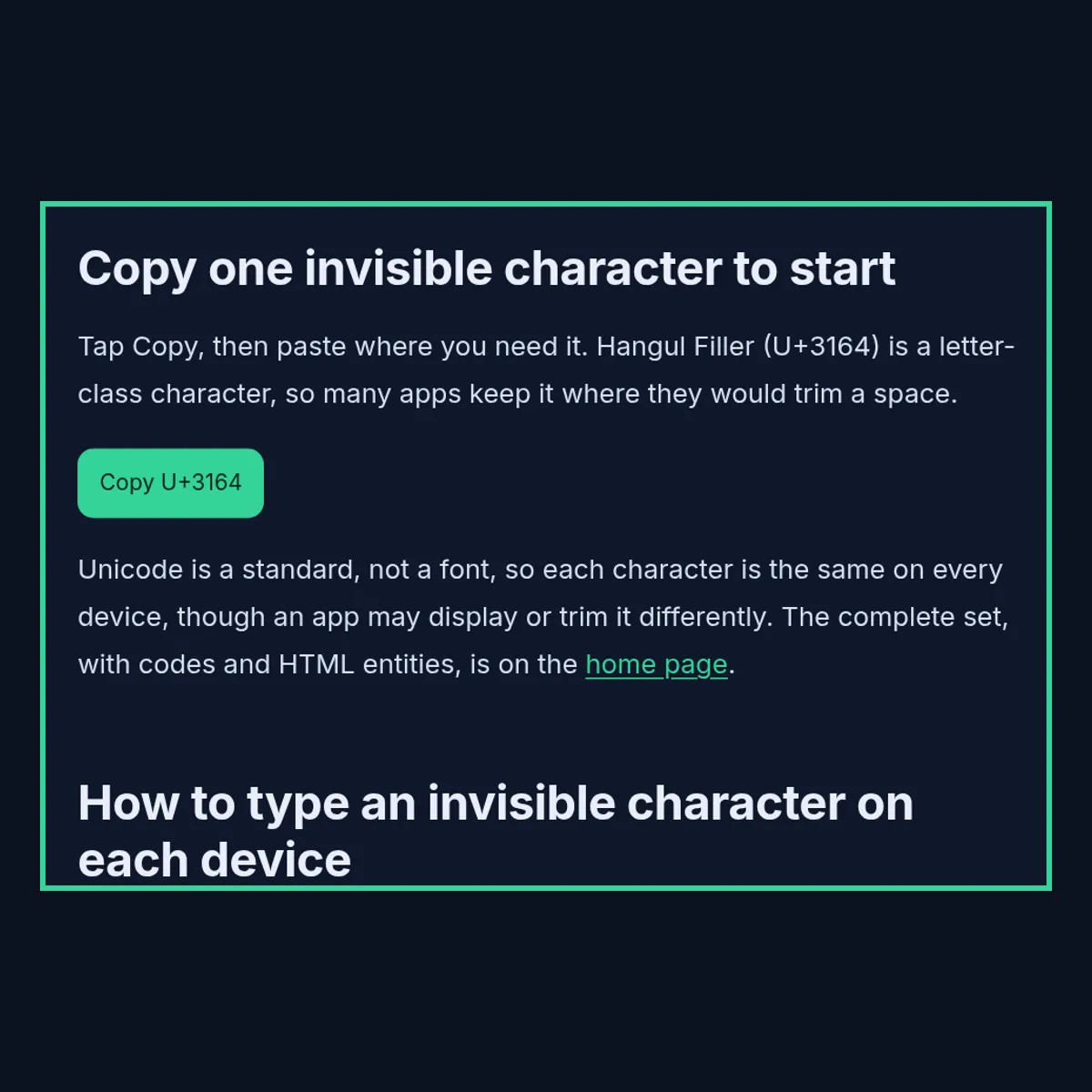
Copy one invisible character to start
Tap Copy, then paste where you need it. Hangul Filler (U+3164) is a letter-class character, so many apps keep it where they would trim a space.
Unicode is a standard, not a font, so each character is the same on every device, though an app may display or trim it differently. The complete set, with codes and HTML entities, is on the home page.
How to type an invisible character on each device
Windows
Click where you want the character. Turn Num Lock on, hold Alt, type 0160 on the numeric keypad, then release Alt. This inserts a no-break space (U+00A0). Laptops without a keypad may need the Fn-based keypad. In Microsoft Word only, typing a code such as 3164 and pressing Alt+X converts it to the character. For other characters, copy and paste with Ctrl+V.
Mac
Press Option + Space to type a no-break space (U+00A0). For other characters open the Character Viewer with Control + Command + Space and search by Unicode name, for example “hangul filler”, or copy the character from the home page.
iPhone
The iPhone keyboard has no blank key, so copy a character such as U+3164. Paste it into a message, name or bio. To reuse it, open Settings, General, Keyboard, Text Replacement, tap +, paste the character into the Phrase box, type a short shortcut, and save. Typing the shortcut then inserts the invisible character.
Android
Copy a character such as U+3164 or U+2800. Long-press in the message or name field and choose Paste. If the keyboard keeps a clipboard history, you can paste the same character again from there.
HTML and web editors
Type the entity, for example or ㅤ, in the HTML source. The browser draws the character, but a blank-looking glyph still occupies space and can be selected.
What to do when an invisible character shows as a box
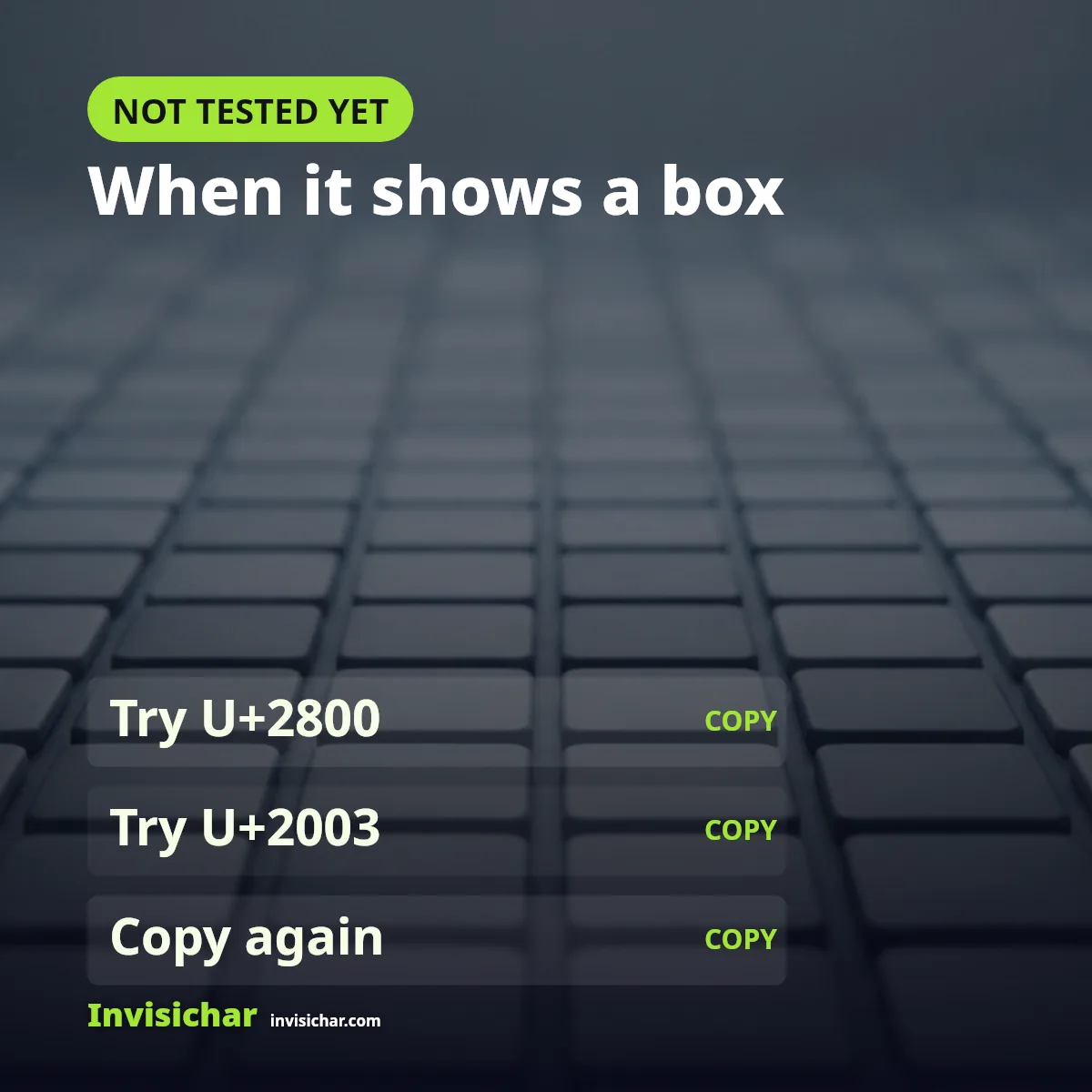
A box means the app’s font has no glyph for that character, not that the character is broken. Try a different character, such as U+2800 instead of U+3164, or a space-class character such as U+2003. If a message is rejected as empty, the app is trimming the character; a letter-class character such as U+3164 is often kept when a space is removed, but each app decides for itself.
More invisible text guides
- blank text message
- invisible ink text
- whatsapp blank text
- discord invisible name & blank message
- invisible text on iphone
More about the site: about Invisichar and the disclaimer. Updated: November 9, 2026.